
Generating PDF files is the first step you'll need to take before either emailing a PDF or downloading a PDF to send manually (either via letter or self-email). Invoices must be generated (how do I generate an invoice?) before you're able to create a PDF. There are two methods:
For multiple PDFs
From the Billing Period > Invoices screen
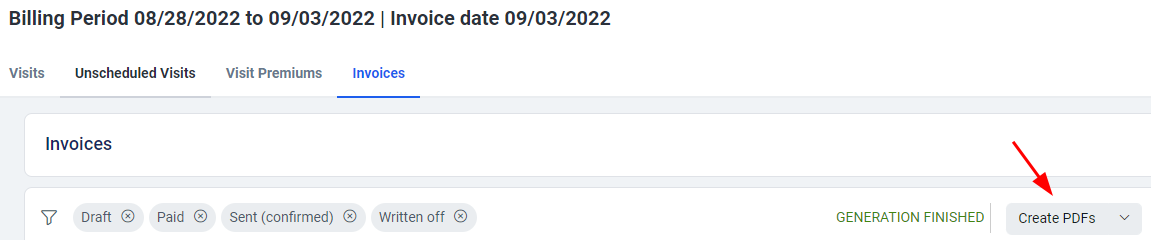
- Click "Create PDFs" button
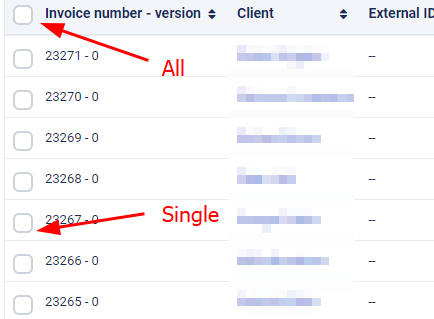
- Either select all or select specific invoices
- Click "Create PDFs" again

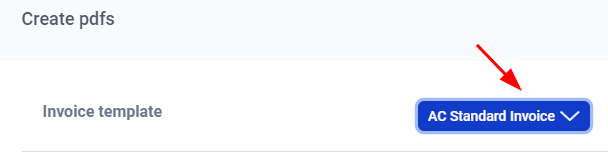
- Choose an Invoice template if you have more than one template
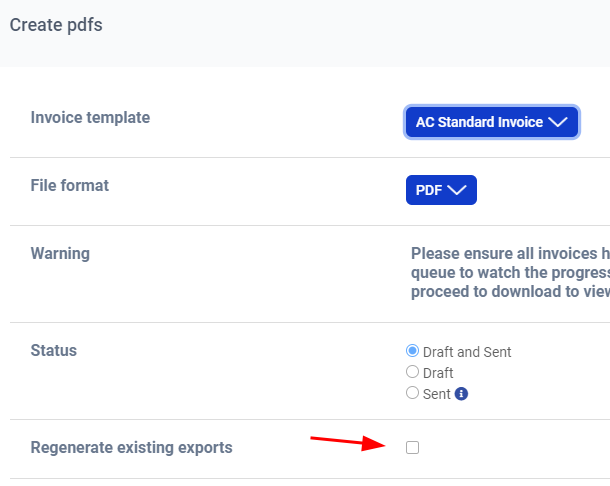
- If a previous PDF has been generated and you made updates to the invoice, please click the checkbox next to “Regenerate existing reports”
- Click "Export"

- The invoice files may take a few minutes to generate. How to view an invoice
For an Individual Invoice
From the BIlling Period > Invoices screen:
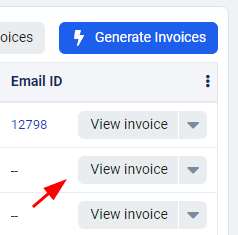
- Click "View Invoice" button next to the invoice of client you want to generate a PDF for
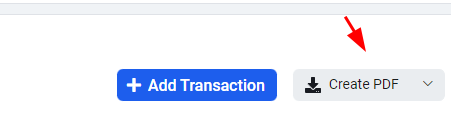
- Click "Create PDF"
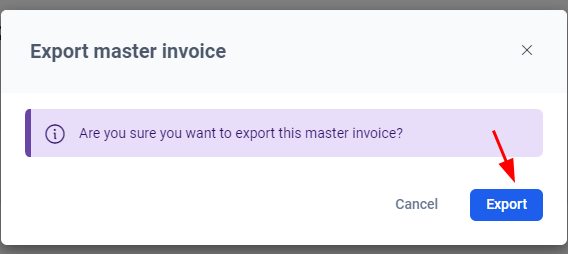
- Click "Export"
- Choose an Invoice template if you have more than one template
- If a previous PDF has been generated and you made updates to the invoice, please click the checkbox next to “Regenerate existing reports”
- Click "Export"
- The invoice files may take a few minutes to generate. How to view an invoice
How do I view an invoice PDF?
First, you will need to return to the Invoices tab of the billing period.
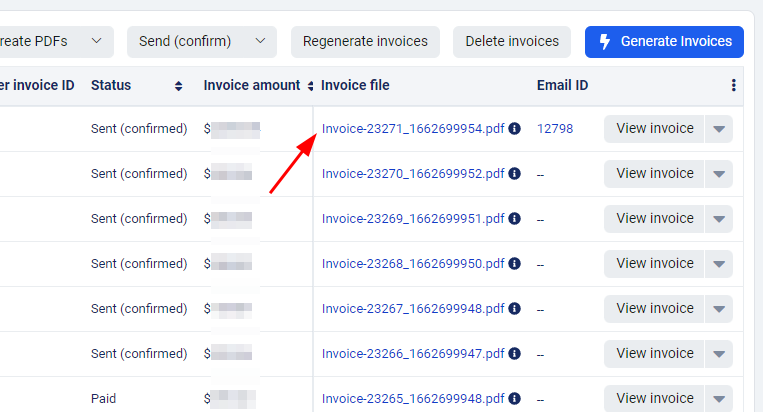
The invoice file will appear under the "Invoice file" column. You may need to refresh your browser to see the file(s).
Comments
0 comments
Article is closed for comments.