
Activity Feed: To verify that a caregiver has clocked into their shift, office staff can confirm the information on the AlayaCare Live Dashboard and view the office’s Activity Feed.
Visit reports: Staff can also review employee clock-in/clock-out details from the ‘Visit reports’ tab on the AlayaCare Dashboard.
Visit Information: You can go into that specific visit and at the bottom of the visit Information section, you will see the timestamps that correspond to when the caregiver clocked in/out of the shift from their mobile app.
The caregiver clocked in at 8:08 AM and clocked out at 8:16 AM from their mobile
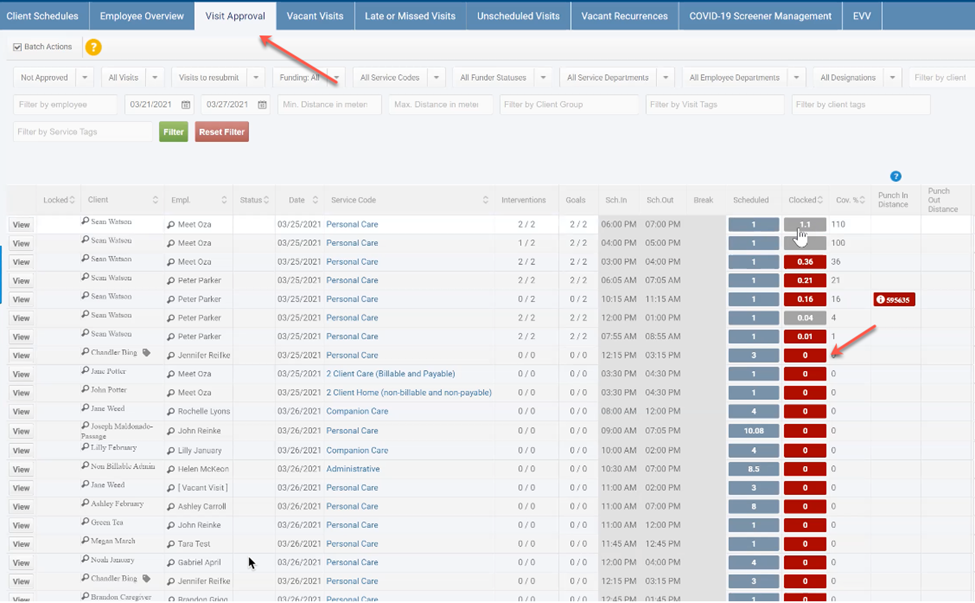
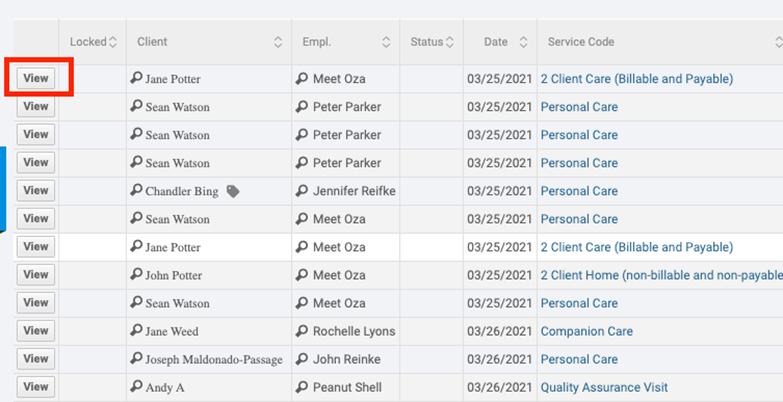
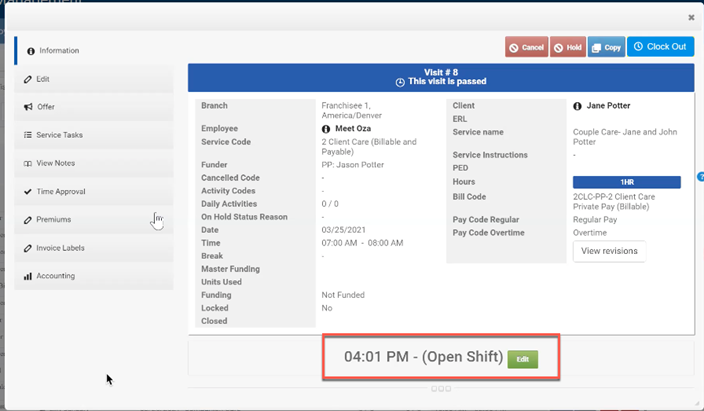
Visit Approval screen: Within Workforce Management you can review shifts to ensure that an employee is Clocked Out of a visit. If you see a visit(s) that do not have Clocked In time available, select the 'View' option and click Edit next to (Open Shift) to review and change the End Time manually.
Comments
0 comments
Article is closed for comments.